Translate PO and POT Files Online with AI

Translate PO and POT files online with AI. Sign up free, describe your product, select languages, and download PO file translations.

How to Automatically Translate PO and POT Files

Step 1: Create a Free PTC Account

Sign up without a credit card to start using PTC — an AI-powered PO file translator that considers your product’s context to apply the right terminology and tone. After signing up, create a new project and select Manual File Upload.

Step 2: Configure AI Translation Settings

Next, go through the setup wizard to:

  • Describe your product so PTC can generate human-quality translations
  • Select target languages 
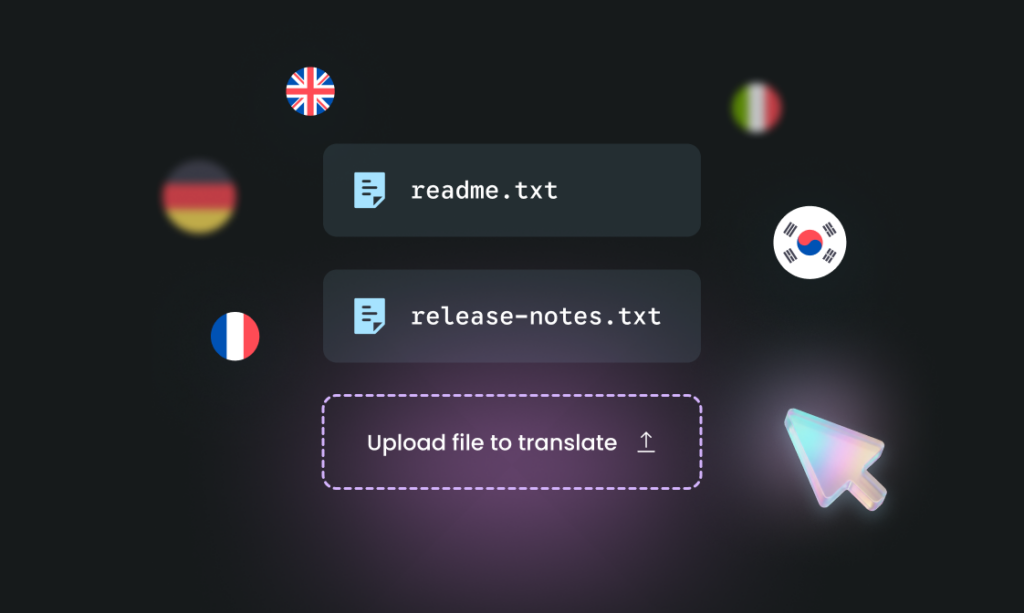
  • Upload .pot files or .po files
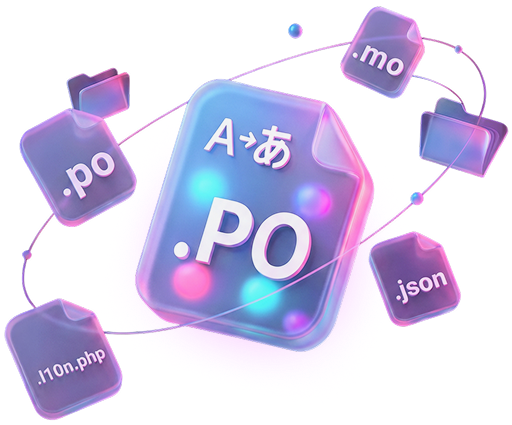
  • Select output files you want to receive. By default, PTC creates .po files, but you can also configure PTC to create .mo files, .l10n.php files, and .json files
  • Add terms to your glossary (optional)

Step 3: Download MO and PO Translation Files

Give PTC a few minutes to translate your PO file. Then:

  1. Review translated strings in the Translations tab
  2. Download your files as a ZIP from the Resource Files tab

✅ You’ve successfully translated your PO file using AI translation!

What’s next?

Automating PO File Translation

Once you see how PTC translates PO or POT files, you can automate the entire process so translations stay up-to-date as your code changes. PTC gives you two options:

Git Integration

Connect your GitHub, GitLab, or Bitbucket repository to PTC:

  1. Select the repository and branches you want PTC to monitor.
  2. Define the output paths for your .pot files.
  3. When PTC detects changes, it automatically translates updated strings.
  4. Translations are delivered back to your repository via merge request.

PTC API

Integrate translations into your CI/CD pipeline:

  1. Use the PTC API to upload your .pot files automatically when your build pipeline generates them.
  2. PTC translates the files and returns .po and .mo files in the API response.
  3. Your CI system saves the translated files as artifacts or commits them back to your repository.

Loading Translations in WordPress

After downloading your translated .po and .mo files from PTC, you need to load them in your WordPress plugin or theme.

You have two options: bundle the translations with your plugin/theme, or import them to WordPress.org (if your project is hosted there).

Option 1

Bundle translations with your plugin or theme (recommended)

  • Place .po and .mo files in your /languages/ directory
  • Add load_plugin_textdomain() or load_theme_textdomain() calls to load the text domain (see the PHP commit and JavaScript commit in our demo plugin repository)

Option 2

Import translations to WordPress.org

  • Create a CLPTE (Cross-Locale Project Translation Editor) account on WordPress.org
  • Wait around 4-6 days for approval
  • Import the translated files to your plugin or theme’s translation project page

See our complete guide on loading WordPress translations for step-by-step instructions and comparisons of both options.

FAQ: POT and PO File Translation

Try PTC for free

Want to see PTC’s translation quality and ease of use first-hand? Sign up for the trial and translate 10,000 words into 2 languages for free.

Scroll to Top